Smart Lead Capture Automation
A Google Apps Script system for a fictional marketing agency: form inquiries are saved to a sheet, repeat submissions are filtered, and the agency and customer are emailed automatically.
Overview
This demonstration shows how a small agency can capture inquiries without paid tools. Each Google Forms submission is checked, saved to a Google Sheet with a unique Lead ID, and followed up by email within the Google account that runs it.
The agency and the test leads are fictional, and no real client is represented. The system ran on a real Google Form, Sheet and Apps Script project, using test submissions only.
The challenge
Inquiries handled by hand are easy to miss, and a customer who submits a form twice can trigger repeated follow-ups. Teams need every inquiry recorded and flagged quickly, without notifying anyone twice.
The approach
A modular Apps Script pipeline parses each submission and normalizes the email address. Under a script lock, it compares the email, service and message with earlier leads from the past 24 hours, then saves the row. Only unique leads trigger emails, and saving comes first so a failed email cannot lose a lead.
Key features
- Automatic processing of Google Forms submissions
- Unique Lead ID, lead status and duplicate status for every row
- Duplicate detection by email, service and message within 24 hours
- Agency notification with Reply going directly to the customer
- Fixed-wording customer confirmation email
- Form input stored as plain text so it cannot run as a spreadsheet formula
- Agency settings kept in Script Properties, outside the source code
Highlights
No duplicate notifications
Repeat submissions are still recorded and linked to the original lead, but they send no email.
Safe with form input
Public form text is treated as untrusted in the sheet and in email, and the confirmation repeats nothing a visitor typed.
More projects
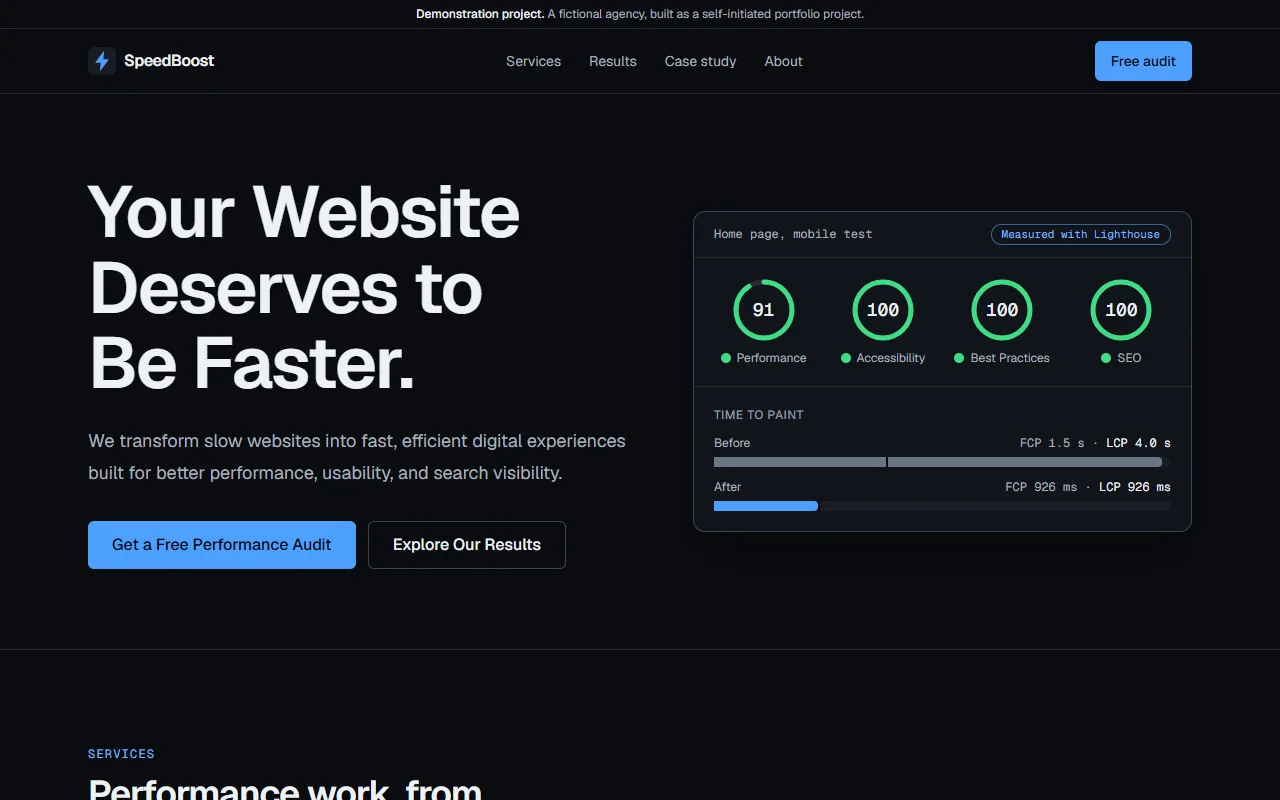 Demo ProjectOptimization
SpeedBoost Website Performance Case Study
A demo agency website built with Next.js 16 for a measured Lighthouse study. Four performance problems were added on purpose, then removed, taking the mobile home page score from 56 to 91.
- Next.js
- React
- TypeScript
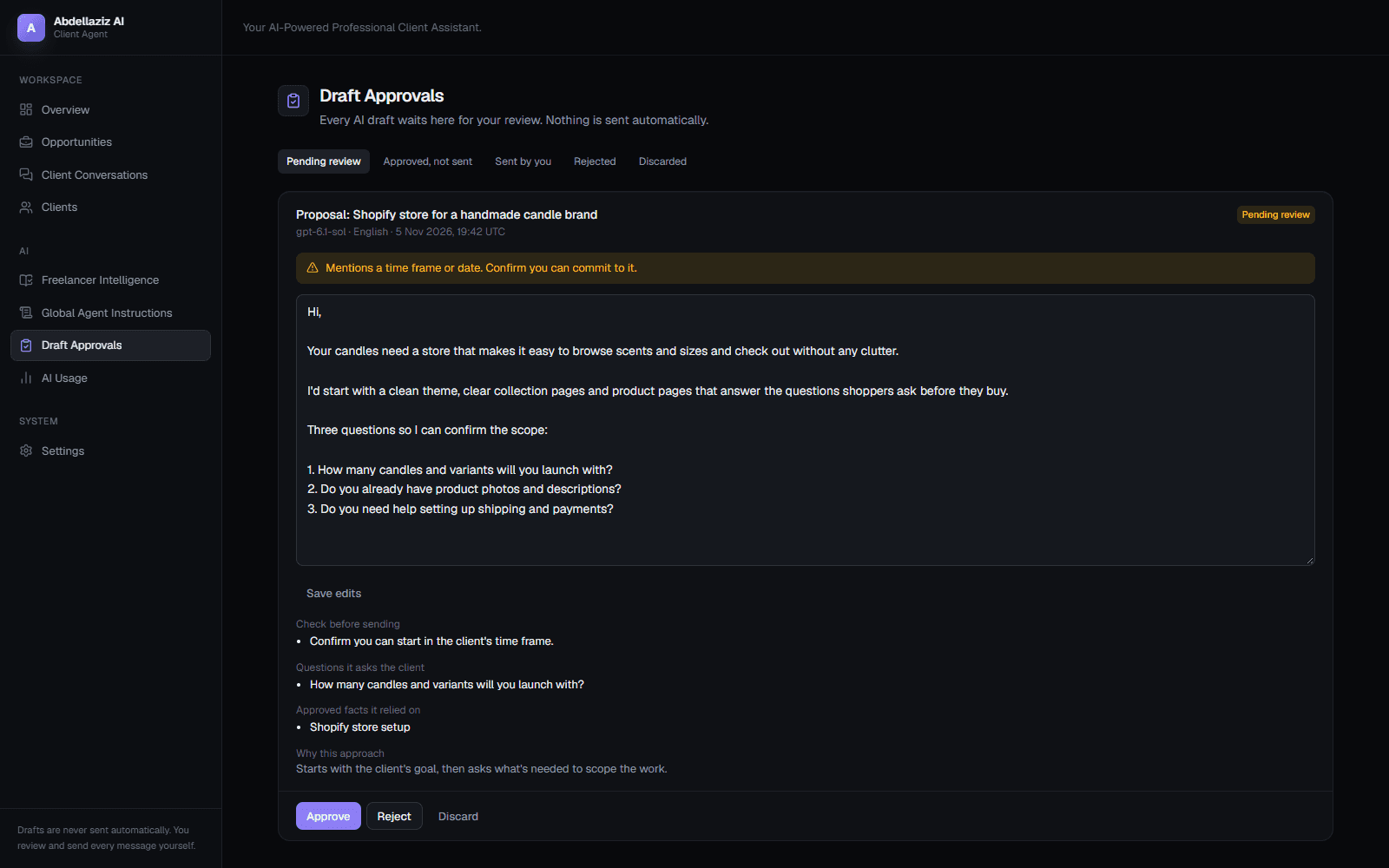 Personal ProjectAutomation
AI Client Communication Agent
A private tool I built for my own freelance work. It assesses job posts and drafts proposals and replies from facts I've approved, and I review and send every message myself.
- Next.js
- TypeScript
- Tailwind CSS